So, if your Blue Star air conditioner happens to catch your eye because it’s flashing, that little blink means that literally the air conditioner is waving a red flag. This LED blink is actually a part of how the self-diagnostic feature comes in on the Blue Star air conditioner, which essentially tries to tell the user that something’s off or that the air conditioner could use a quick tune-up.
Whether it’s something small such as a clogged filter or vibration power issues, or something more critical such as an error with the sensor or the compressor protection, the blink codes provide an indication as to what the problem might be.
This video tutorial will take you through Blue Star AC light blinking in detail, the patterns you can expect, their probable meanings, and steps to follow if you need to do troubleshooting on your own before calling for technical support. To understand what each blinking pattern actually means, refer to our detailed guide on Blue Star AC error codes list with fixes, where every code is explained in simple terms.
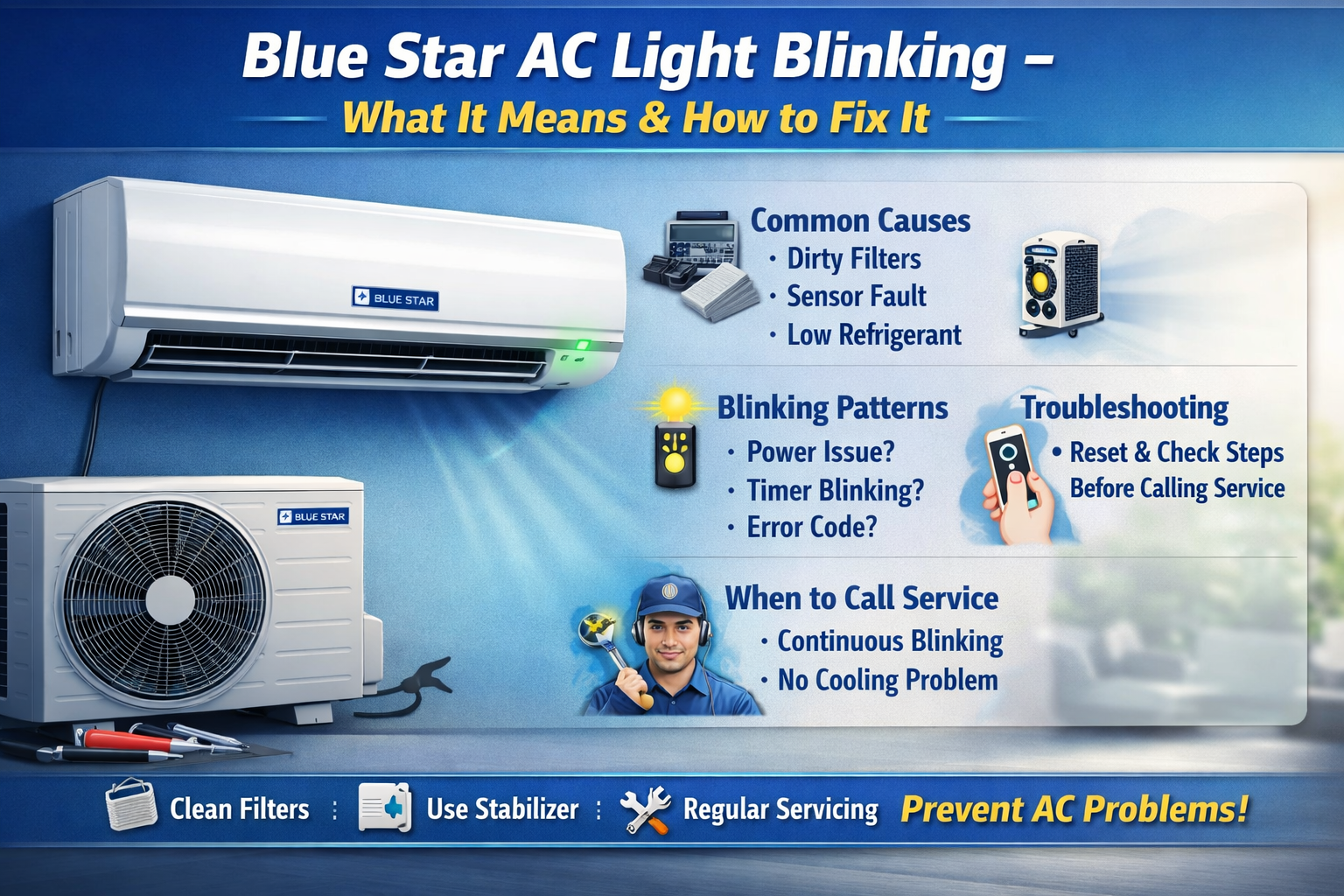
Why is the Blue Star AC Light Blinking?
The Blue Star air conditioners have intelligent self-diagnostic technology that monitors the operations of the unit. Once the technology identifies a problem, the LED indicator begins to flash.
A flashing light may mean:
- Small problems such as dirty filters or a brief airflow restriction
- Problems with the sensor, such as temperatures or communications issues
- Fluctuations of power or voltage when it comes to normal operation
- More serious internal problems, such as problems with the PCB, compressor, or refrigerant
Understanding your blink pattern informs your assessment on whether to handle it with a DIY fix-it remedy or by hiring an expert and may prevent you from dealing with major repairs down the road.
Blue Star AC Light Blinking According to AC Type
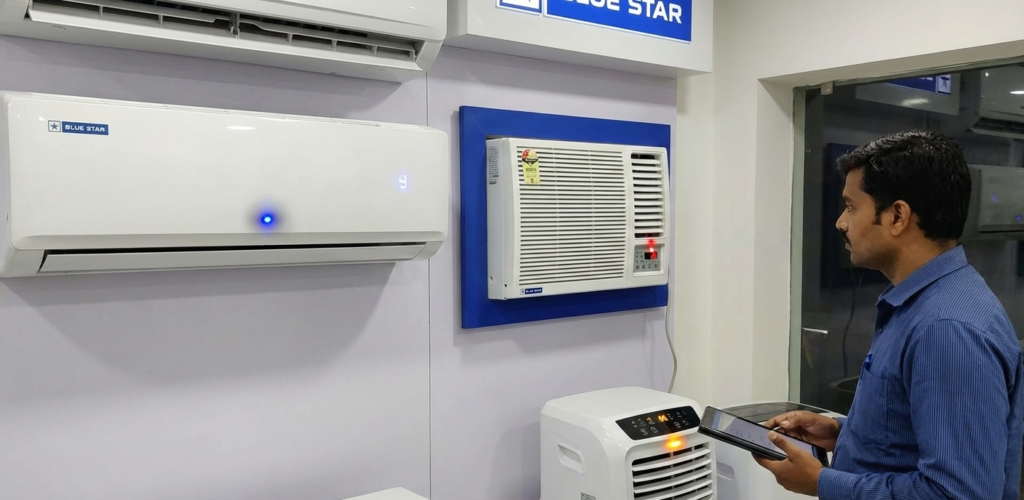
Split AC
In the case of the split system of the Blue Star air conditioner, any flashing light related to communication issues with the outdoor and indoor units, as well as issues related to the temperature sensor, mean that the cooling function may not work.
Window AC
For Blue Star window units, the problem of blinking lights can be related to voltage fluctuations, an unstable power supply, or a dirty filter. The filters can be cleaned, and a stabilizer can be used. In many cases, blinking lights are also linked with cooling issues—if your AC is not cooling properly, this detailed Blue Star AC not cooling guide can help you diagnose the problem quickly.
Inverter AC
For Blue Star inverters, a flashing light can signal protection operation after a lengthy period of use, overheating, or water entry into the device. Giving the device a break along with adequate ventilation solves the problem. If you want a complete breakdown of warning signs. Since inverter ACs behave differently under stress conditions, understanding their working is important—read our Blue Star AC inverter technology guide for better clarity.
Blue Star AC Blinking Light Error Code Chart
| Blink Count | Possible Issue | What You Should Do |
|---|---|---|
| 1–2 blinks | Problems with the sensor | Turn off and reset the AC, and if the problem persists, call a service person. |
| 3 blinks | Indoor-outdoor communication problem. | Verify the outdoor unit |
| 4–5 blinks | Compressor overload | Turn off the air conditioner and schedule a service. |
| Constant blinking. | Gas leak or PCB failure. | Immediate service |
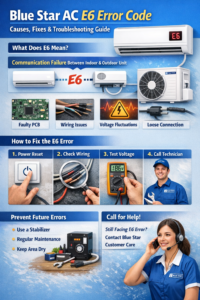
One of the most common blinking-related issues is communication failure—learn more in our Blue Star AC E6 error code complete guide.
Common reasons for blinking of Blue Star AC light
1) Power indicator blinks
What it indicates:
- Power oscillations
- Voltage Unstability
- Restart of AC due to power failure
What to do:
- Turn off the AC
- unplug for 5-10 minutes
- If voltage is unstable, a voltage stabilizer has to be used.
- Then restart the AC
This is common in a region where frequent power outages are experienced.
2) Timer light blinking
What it means:
- The timer setting accidentally enabled
- Communication problem between indoor and outdoor units
What to do:
- Press the Timer OFF button on the remote
- Reset the AC
- Verify if the outdoor unit is working properly
If the timer light is still flashing after the reset, possible servicing needed
3) Constant blinking with no cooling
What it means:
- Sensor failure
- Gas leakage
- Compressor protection mode activated
What to do:
- Turn off the AC at once
- Don’t repeatedly restart
- Reach out to Blue Star customer support
It may damage the compressor if neglected
4) Blinking of indoor unit, multiple times
Certain Blue Star models display certain blink patterns as error messages. Some of the error messages that can be displayed
Example:
- 2 blinks – Indoor temperature sensor problem
- 3 blinks – Outdoor unit communication error
- 5 blinks – Overload or Compressor Problem
The blink codes can vary by model.
Blue Star AC Blinking Light Despite Operation — Is It Serious?
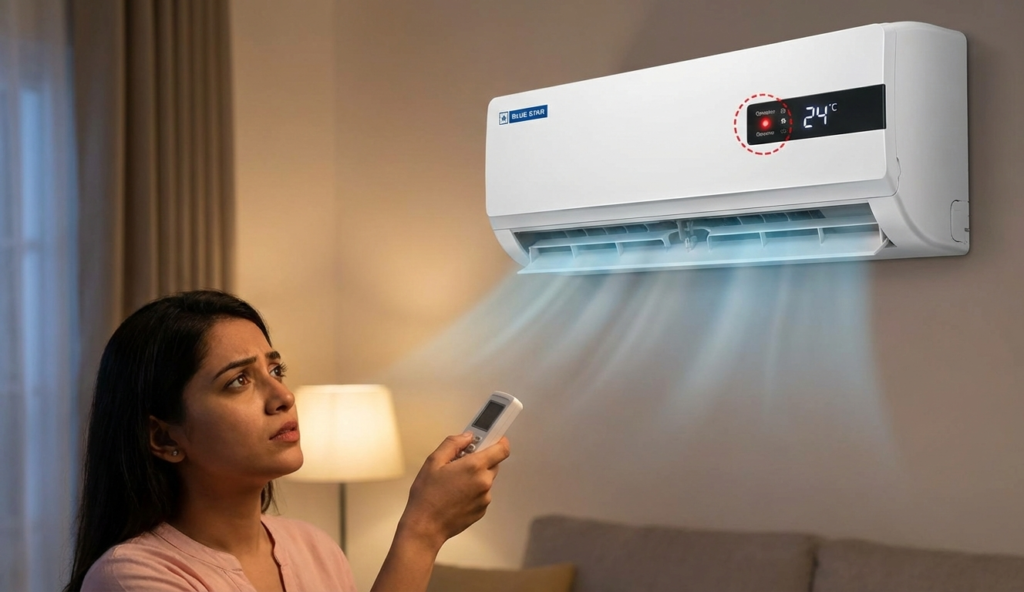
If your AC is:
- cooling properly
- no weird noises
- no water leaks
Then the blinking light may indicate:
- Indicates Filter cleaning reminder
- Rapid voltage variation
- Minor Sensor delay
Best practice: reset once and monitor it.
How to reset Blue Star Blinking Light on Blue Star AC
Follow these steps:
- Switch off the AC
- Unplug it
- Wait about 10 minutes
- Plug back in
- Turn on the AC again
If the light is still blinking, then a problem may not be a temporary one.
Continuous blinking can sometimes signal compressor-related faults. You can check the latest Blue Star compressor price and repair cost to estimate expenses.
Blue Star AC Light Blinking After Power Cut – What to Do?
Include:
- Auto-restart feature
- PCB safety delay
- Reset steps . Since voltage fluctuation is a major cause of blinking lights, you should also check the best voltage for Blue Star AC and ideal power conditions to avoid repeated issues.
Common Reasons for Blue Star AC Light Blinking
- Dirty air filters
- Low refrigerant/gas leakage
- Broken PCB Board
- The loose wires
- Blocked drain pipe
- Compressor overheating
- Power fluctuations
When to Call Blue Star Service?
Call a professional if:
- The light flashes constantly
- The AC stops cooling
- The outdoor unit is not operating
- The AC turns off by itself
- The error occurs again after a reset
Do not try to open the internal parts yourself.
How to Deal with a Blinking Blue Star AC Light
Blue Star air conditioner maintenance involves following a regular repair schedule. To ensure this does not become a hassle as lights blink to highlight problems, follow these easy steps:
- Ensure that the filter is clean or changed after every 2-3 weeks to maintain smooth airflow and avoid stressing the sensors.
- Have the professional service the unit every 6 months for the detection of gas leaks, wiring problems, as well as other internal problems.
- Employ a voltage stabilizer to protect the AC from low power and sudden shut down.
- Prevent dust, leaves, and debris from accumulating on the outdoor unit as this helps with heating transfer.
- Recklessly run your system at low temperatures to end up with your system going into protection mode and resulting moisture accumulation.
Normal and proper maintenance can reduce blinking notifications, increase efficiency, lower power consumption, and increase the life span of your blue star AC. To understand how inverter protection mode works, check out our detailed Blue Star AC inverter technology guide.
Is it possible to repair the blinking LED of Blue Star AC yourself?
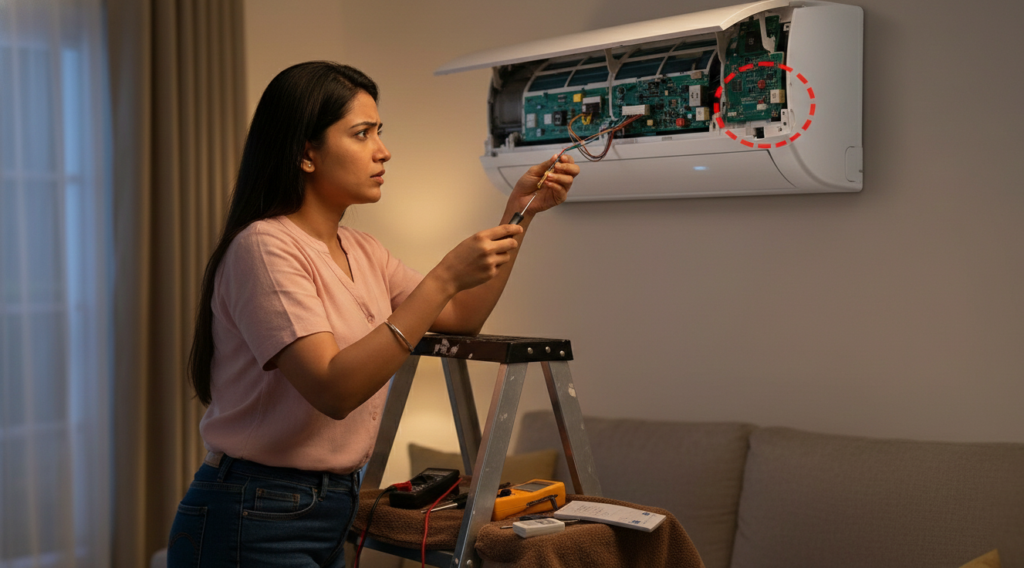
Add a short list:
- Do It Yourself: Clean the filters, reset the system, and use a Stabilizer.
- Professional service: dealing with gas leaks, PCB problems, and the compressor.
Please note that warranty may be voided if opened or serviced improperly. If gas leakage is suspected, here’s a detailed breakdown of Blue Star AC gas refill cost in India and when you should take action.
FAQs – Blue Star AC Light Blinking
1: Are Blinking Lights Normal in Blue Star AC?
Blinking occasionally is normal; blinking continuously indicates a problem.
2: Does blinking light mean gas problem?
No, but gas leaks may cause poor cooling as well.
3: Rebooting: will this solve the blinking problem?
In some situations, a reset can resolve problems that are less serious.
Bottom line
A blinking blue star on the AC indicates that there is some kind of trouble signal. In some cases, the problem is straightforward enough that all that is required is an exchange or a reboot. In other cases, the blue star indicates that something is amiss on the inside that requires professional repair.