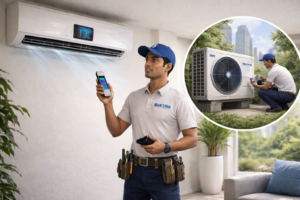
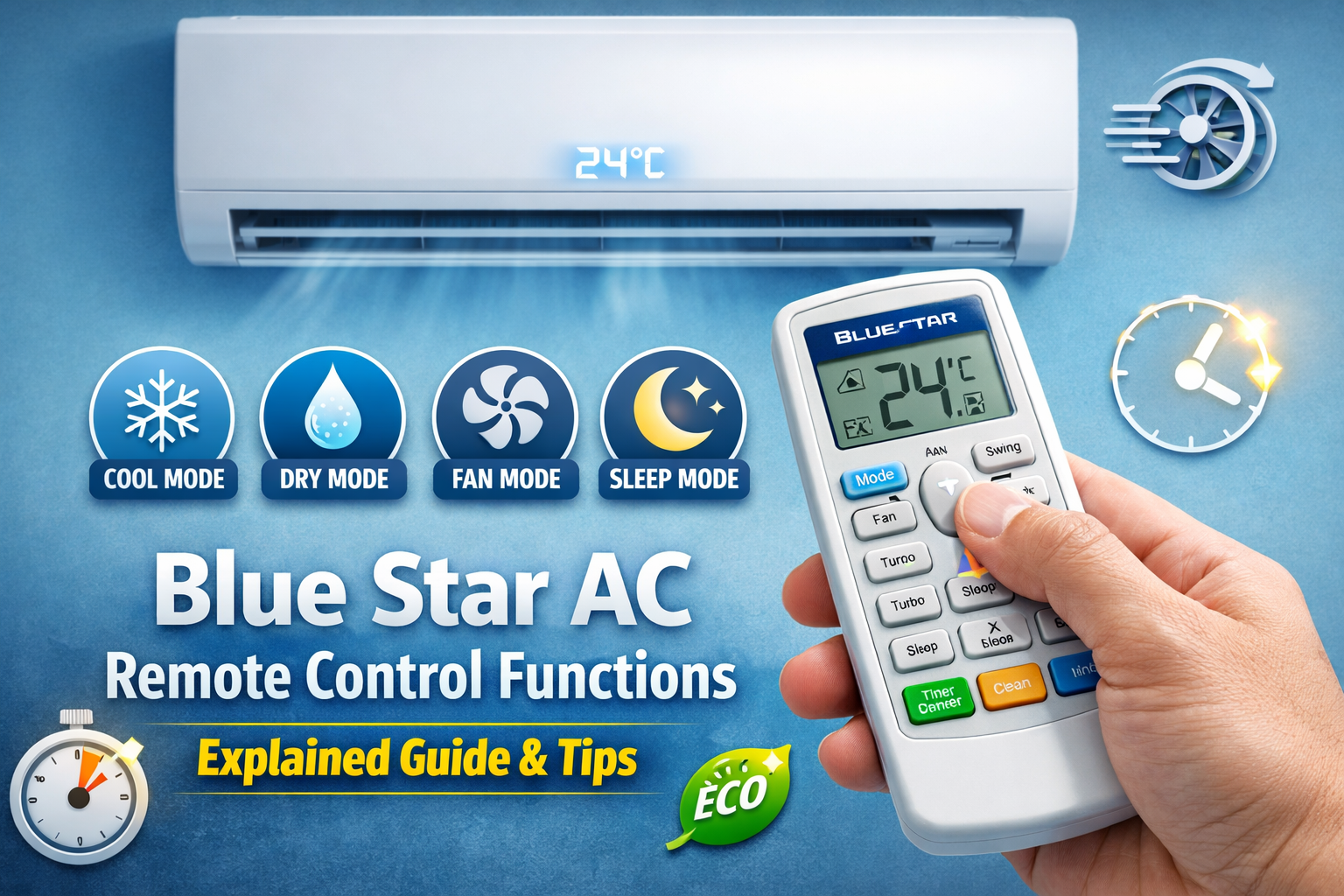
Blue Star air conditioners come with feature-rich remote controls designed to give you full control over cooling, comfort, and energy efficiency. However, many users only use the ON/OFF and temperature buttons, ignoring powerful functions that can improve cooling performance, reduce electricity bills, and even extend the life of the AC.
If you are confused about certain buttons or your remote is not working properly, understanding the Blue Star AC remote control functions can help you fix common issues before calling a technician. In this detailed guide, we explain what each button does, how to reset the remote if needed, and how to choose a compatible replacement remote if yours stops responding.
What Are Blue Star AC Remote Control Functions?
Blue Star AC remote control functions include buttons for temperature, cooling modes, fan speed, swing, timer, and energy saving. The buttons assist in optimizing the cooling of the air conditioner, saving power, and ensuring comfort in different weather conditions.
Blue Star air conditioner remote control functions include:
- Power (ON/OFF)
- Mode (Cool, Dry, Fan, Auto)
- Temperature Control
- Fan Speed
- Swing
- Turbo Mode
- Sleep Mode
- Timer
- Eco Mode
Most Blue Star air conditioner remotes have similar buttons, irrespective of whether it is a split AC, inverter AC, or window AC. If your remote is completely unresponsive, you can follow our step-by-step Blue Star AC remote not working guide to quickly identify and fix the issue.
Why Understanding Blue Star AC Remote Functions Is Important
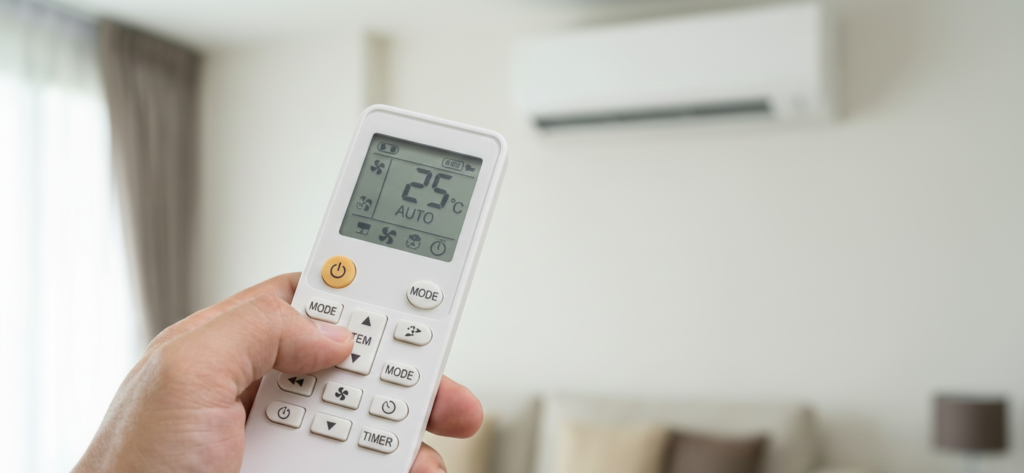
Understanding how to operate your Blue Star AC remote control effectively can enable you to enjoy optimal functionality of your air conditioner as well as prevent power wastage. You would find that every button in your remote control has been designed for optimized cooling, comfort, or power savings.
Using correct remote control settings may assist you with:
Cool your room faster:
The Turbo function, fan speed control, and swing features ensure faster and uniform cooling, both as a consequence of a power outage and during a heatwave.
Lower electricity use:
Proper use of Eco, temperature settings between 24-26°C, and timings can help cut down electricity bills substantially every month.
Enhance Sleep Comfort:
Sleep mode and display control function to prevent overcooling at night, keep a constant temperature, and also support uninterrupted comfortable sleep.
Avoid unnecessary A/C use:
Not running the AC at very hot or very cold temperatures, as well as not using it at turbo mode continuously, will help decrease the stress exerted on the compressor,
Avoid common user errors:
Recognizing modes such as Dry, Fan, and Auto assists in specifying the appropriate mode based on the prevailing climatic conditions, unlike relying on “Cool” all the time.
Be it Split, Inverter, or Window, most Blue Star air conditioner remote controllers are quite similar. After knowing this, you can use your air conditioner more efficiently, economically, and intelligently.
Blue Star AC Remote Symbols Meaning
Blue Star AC remotes use symbols like ❄️ (Cool), 💧 (Dry), 🌬️ (Fan), 🌙 (Sleep), and ⚡ (Turbo) to show different operating modes. Understanding these icons helps you use your AC more efficiently and avoid incorrect settings.
For a full icon-by-icon explanation, read our detailed guide on Blue Star AC remote symbols meaning.
Blue Star AC Remote Buttons Explained
Most Blue Star AC remote controls contain the following buttons:
- Power
- Mode
- Temperature (+ / –)
- Fan Speed
- Swing
- Turbo
- Sleep
- Timer
- Eco Mode
- Clean / Self Clean
- Display
- Lock
Although the layout may vary slightly depending on the model, the core functions remain almost the same across Blue Star split and inverter AC units.
1. Power Button (ON / OFF)
This power button is used to turn your Blue Star AC on or off. This process seems so easy, but doing it the right way is necessary if you want your AC to be well maintained.
Expert Tip
Try not to switch the AC ON/OFF too often in small time intervals. It subsequently increases pressure on the compressor in non-inverter Blue star ACs. If you feel the room is cooled enough, then adjust the temperature settings or reduce the fan speed instead of turning off the AC.
2. Mode Button – Cooling, Dry, Fan & Auto
Mode Button:
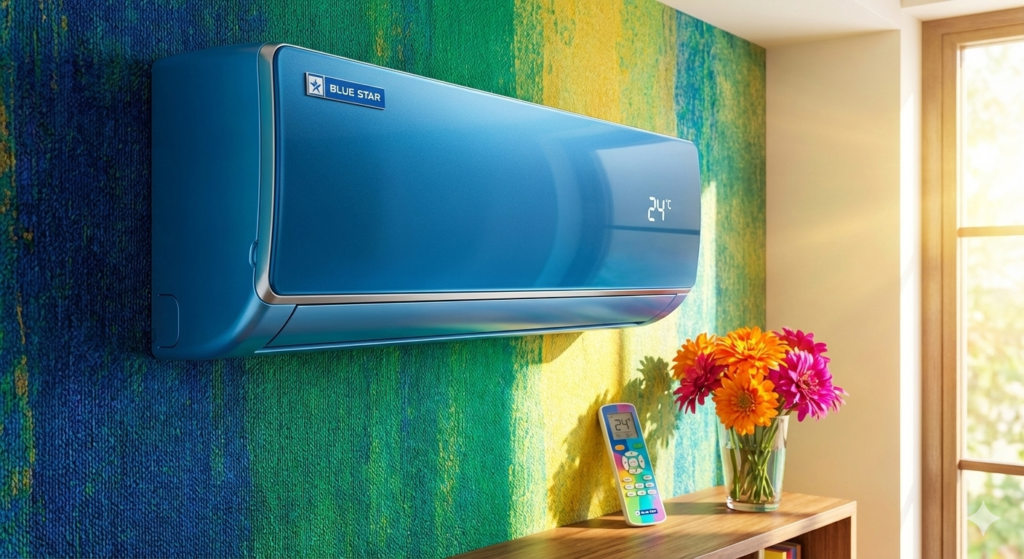
The Mode button allows you to decide the way in which your Blue Star AC will operate, depending on the conditions of the atmosphere as well as the level of comfort that you want. You can select the right mode to allow you to cool better by consuming less power.
a) Cool Mode ❄️
This mode is used by default and is the most general way of using the Blue Star ACs.
- The AC will cool your room to your desired temperature
- The compressor cycles “ON” and “OFF” to ensure a steady level of cooling performance.
- Designed for hotter summer climate
Recommended Setting:
Set the temperature ranges from 24°C to 26°C. This ensures proper cooling while consuming less power. To understand how different remote settings impact your electricity bill, check out our Blue Star AC power consumption and electricity saving tips guide for detailed, practical insights.
b. Dry Mode
It mainly focuses on dehumidifying rather than cooling, just like in the ‘dry’ or ‘dehumidification-only’ mode.
- AC uses a low-speed fan.
- Removes moisture, making an air-conditioned room comfortable
- It requires less power compared to Cool mode
Usage When:
The atmosphere in the room will be sticky or humid, especially in the monsoon season or near the seacoast, even in a not so hot environment. If you live in humid regions, check our guide on best Blue Star AC for coastal areas in India.
c. Heat Mode (Access restricted to Hot & Cold version)
Blue Star ACs, intended for use in cold climates, may feature a Heat function.
What It Does:
- Acts like a heater during winters
- It works through a reverse refrigeration cycle that blows warm air into the room.
Key Reminder:
Most of the Blue Star air conditioners that are available for sale in Indian markets come under the cooling type. If your remote controller does not have an emblem, it simply means that your air conditioner cannot be used as a heater.
d. Fan Mode
In the Fan function, the AC works like any regular ceiling fan.
- Compressor is OFF
- Only the indoor fan is blowing air
- Extremely low power consumption
Best For:
Favourable weather or night operation when cooling is not required.
e. Auto Mode
‘Auto’ or Auto Mode enables the AC to automatically determine the mode it should operate.
- AC is involved in the regulation of the cooling process based on room temperature
- Minimal Manual Control
- In this Beneficial for users who wish to have set and forget functionality.
If there’s a need to adjust the temperature or fan speed, not recommended.
3. Temperature Control (+/– Buttons)
With the help of temperature control buttons, one can increase or decrease the room temperature setting.
- Lower Temperature = More Work for the Compressor
- If lowered by 1°, the power consumption rises by 6-8%
Expert Recommendation:
It can be concluded that to get the best cooling effect, optimal energy performance, as well as a safe compressor life, the room temperature must be kept around 24°. It’s ideal to keep the room temperature in Indian homes this way. Choosing the right AC capacity also affects cooling efficiency — learn more in our Blue Star AC tonnage guide.
4.Fan Speed Control
Enables management of air current speed.
Fan Speed Options:
- Low
- Medium
- High
- Auto
When to Use What:
- High: Fast cooling
- Medium: Normal daily usage
- Low: Night / Sleep Time
- Auto: AC automatically adjusts
5.Swing Function (Airflow Direction Control)
Regulates the operation of AC air flaps.
- Vertical Swing: Up & Down airflow
- Horizontal Swing: Left & right airflow (model-specific)
Why Use Swing Mode?
- Even cooling across the room
- Protects against direct contact of cold air with your body
6. Turbo Mode – Instant Cooling
Turbo function causes the AC to run at maximum capacity.
Best Use Cases:
- When you enter a very hot room
- After Power Cuts
It is advised that the Turbo mode should be avoided during prolonged periods since it causes the consumption of more electricity. For long-term savings, compare this with Blue Star 3 star vs 5 star AC energy efficiency.
7. Sleep Mode
Sleep Mode enables automatic changes in temperature throughout the night.
How It Works:
- Increases temperature gradually
- Reduces Compressor Load
- Prevents over-co
Perfect for:
- Comfortable sleep
- Reduce night electricity bills
8. Timer Function (ON Timer / OFF Timer)
Allows you to schedule when the AC should turn ON or OFF.
Uses:
- Turn OFF AC automatically at night
- Pre-cool room before you arrive home
Example:
Set OFF timer for 2–3 hours while sleeping to save electricity.
9. Eco / Energy Saver Mode
Eco mode optimizes cooling while reducing power usage.
Benefits:
- Lower electricity bills
- Ideal for long usage hours
- Best for inverter ACs
Insight:
Eco mode is one of the most underused but valuable features.
10. Clean / Self-Clean Function (Available in New Models)
This function cleans the indoor unit coil by drying moisture inside.
Advantages:
- Prevents bad smell
- Reduces bacteria & mold
- Improves cooling efficiency
Run self-clean once every 2–3 weeks.
If your current AC doesn’t have a self-clean function, upgrading to a model with this feature can significantly reduce maintenance and prevent bad odors.
Modern Blue Star ACs with self-clean technology automatically dry the internal coil, improving hygiene and cooling performance. If your AC already has odor issues, check our Blue Star AC smell problem fix guide.
11. Display / LED Button
Controls the LED display on the indoor unit.
- Turn OFF display at night
- Improves sleep comfort
- Saves minimal power
12. Lock / Child Lock Feature
Prevents accidental button presses.
How to Activate:
- Long press specific button combo (varies by model)
Useful for homes with children.
13. I Feel / Follow Me Function (Selected Models)
The remote senses temperature around you and adjusts cooling accordingly.
Helps maintain personalized comfort, especially in large rooms.
Common Mistakes Users Make with Blue Star Remote
- Setting temperature to 16°C thinking it cools faster
- Using Turbo mode continuously
- Ignoring Dry mode during monsoon
- Not using Sleep or Timer features
Avoiding these mistakes can increase AC life and cut power bills. If your AC is not responding even with a working remote, read our Blue Star AC not cooling guide.
How to Reset Blue Star AC Remote & Unit
Method 1: Remote Reset
- Remove batteries
- Press Power button for 10 seconds
- Reinsert batteries
Method 2: AC Power Reset
- Switch off main power
- Wait 5 minutes
- Turn it ON again
Helps fix unresponsive remote or wrong temperature behaviour. If problems persist after reset, check the Blue Star AC error codes list for deeper diagnosis.
Tips to Get Maximum Performance Using Remote Settings
- Use Dry mode in humid weather
- Enable Sleep + Timer at night
- Clean filters every 15–20 days
- Use Eco mode for long hours
- Avoid blocking AC airflow
Many users don’t realize that mode selection and temperature control affect compressor health—learn how proper remote usage improves AC lifespan with simple, practical examples.
Blue Star AC Remote Battery Guide
- Most remotes use AAA batteries
- Replace batteries every 6–8 months
- Weak batteries can cause:
- Delayed response
- Incorrect temperature display
- Remote not working
Tip: Always replace both batteries together.
Blue Star AC Remote Replacement Options
If your Blue Star AC remote is not responding even after battery replacement and reset, it may be time to buy a compatible replacement remote.
Fortunately, replacement remotes are easily available online and are affordable compared to calling a technician.
Compatible Blue Star AC Remote (Direct Replacement)
These remotes are specially designed for Blue Star air conditioners and usually work instantly without programming.
Benefits:
- No setup required (plug & play)
- Works with inverter and non-inverter models
- Same button layout as original remote
- Budget-friendly option
Since the price of a replacement remote is usually under ₹500, replacing it is often more economical than booking a service visit.
Blue Star AC Remote Not Working?
If your Blue Star AC remote is not working, first try these quick fixes:
- Replace both AAA batteries
- Clean the remote IR sensor
- Reset the remote by removing batteries for 30 seconds
- Make sure there is no obstruction between the remote and AC
If the remote is still not working, you may need a new compatible replacement remote. If your Blue Star AC remote is not working at all, we have created a complete troubleshooting guide that covers all possible causes and fixes step by step.
Read: Blue Star AC remote not working (complete guide)
Conclusion
All the functions of the Blue Star AC remote control will help you use your air conditioner in the most efficient and comfortable way. The functions such as Turbo, Sleep, Eco, and Timer can greatly enhance the performance of your air conditioner and help you cut down costs on your electricity bill.
You can prolong the life of your air conditioner compressor and ensure that you are comfortable in your home.
FAQs – Blue Star AC remote control functions
1.How to control Blue Star AC remote?
To control a Blue Star AC remote, use the Power button to turn the AC on/off, Mode to switch between Cool, Dry, Fan, or Auto, Temperature (+/-) to adjust cooling, and Fan/Swing buttons to control airflow direction and speed.
2. How to use AC remote symbols?
Blue Star AC remote symbols represent different modes and functions such as ❄️ for Cool Mode, 💧 for Dry Mode, 🌙 for Sleep Mode, and ⚡ for Turbo Mode. Each symbol helps you quickly select the right AC setting.
3.Can Blue Star AC be controlled by mobile?
Yes, selected Blue Star smart AC models support mobile app control through Wi-Fi. You can adjust temperature, change modes, and control timers using the Blue Star smart app.
4.How to reset Blue Star AC remote control?
To reset a Blue Star AC remote, remove both batteries, press the Power button for 10 seconds, wait 30 seconds, and reinsert the batteries. This fixes most minor remote issues.
5.What is the ideal temperature setting on Blue Star AC?
The ideal Blue Star AC temperature setting is 24°C to 26°C for balanced cooling, comfort, and lower electricity consumption.
6.Does Turbo mode increase electricity usage?
Yes, Turbo mode increases electricity consumption because the compressor runs at maximum power. Use it only for quick cooling.